Introducing Enter Pro Agent Builder: Build Custom AI Agents with Natural Language
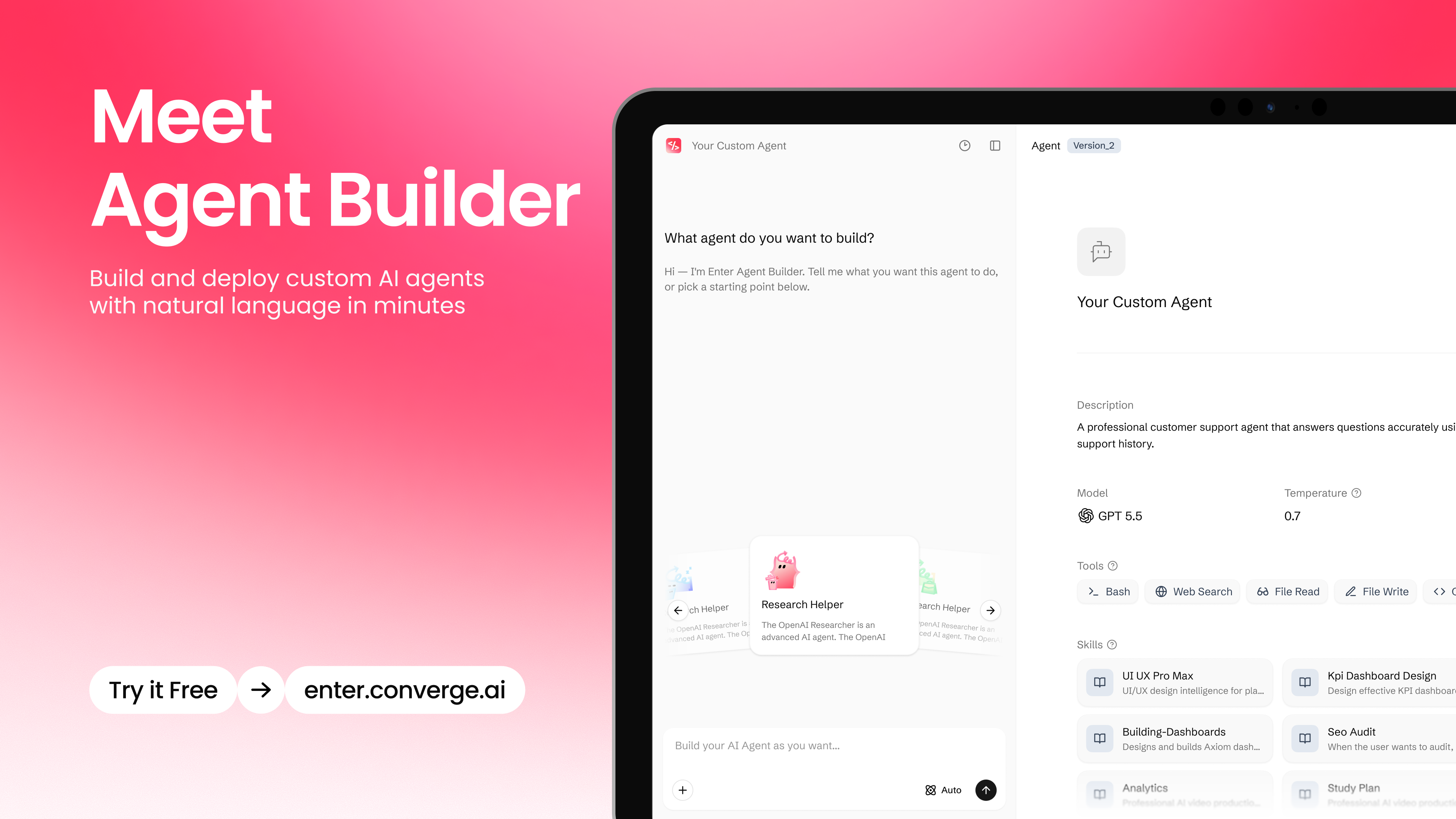
Meet Agent Builder: create custom AI agents by chatting with Enter. Describe what you need in natural language, configure models, Skills, Knowledge, and behavior, then connect agents to the apps you build. Share your agent with one link, or integrate and deploy it in multiple ways for product and business use cases.
Enter Agent Builder lets you create, configure, test, and deploy custom AI agents with natural language.
Your apps should not stop at being built.
Once a product is live, the real work begins: supporting users, answering questions, qualifying leads, reading business data, reviewing documents, sending follow-ups, and keeping operations moving every day.
That is where Agent Builder comes in.
With Agent Builder, you can describe the agent you need, define what it should know, configure how it should behave, test it, and bring it into real product or business workflows.
No separate agent infrastructure. No blank technical framework. No complex setup just to get started.
Describe the role. Add the right context. Test the behavior. Then deploy the agent where it can help.
The Next Layer of Enter
Enter is built as a complete AI-native product platform.
Coding Agent helps you build products with natural language.
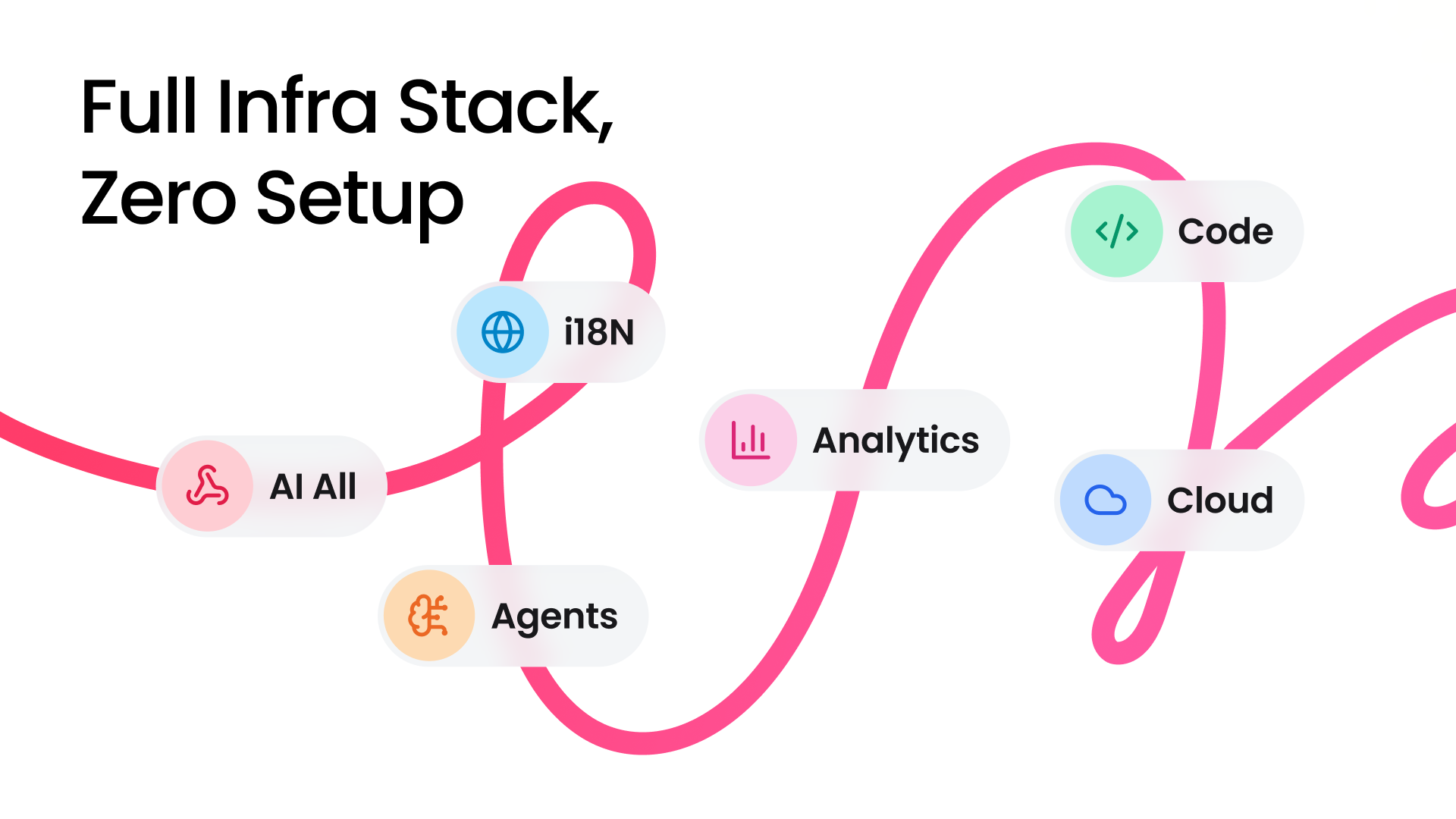
Enter Infra Stack gives those products the foundation they need to run.
Agent Builder adds intelligent agents that can support users, assist teams, and operate inside real workflows.
Together, they form one connected path:
Build the product.
Run the product.
Give it agents that can work.
This is what makes Agent Builder different from a standalone agent tool. It is part of the same system as the product you are building, the infrastructure behind it, and the workflows around it.
AI-native business can start from the first product build.
Create an Agent by Chatting
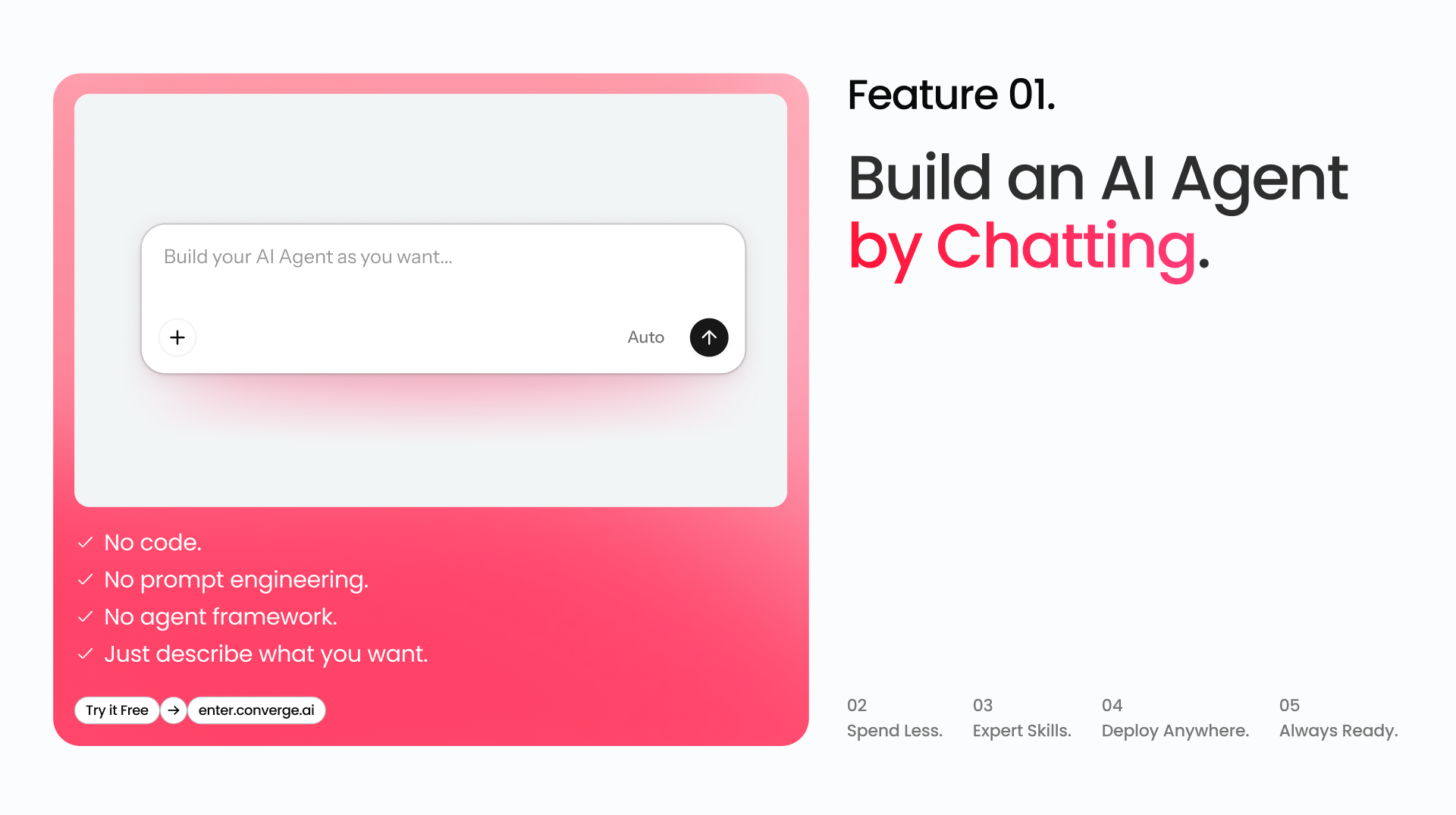
Agent Builder starts with a simple idea: creating an agent should feel like describing a role.
Tell Agent Builder what the agent should do, who it should help, what tone it should use, and what kind of work it needs to handle.
Agent Builder helps turn that description into an agent configuration, including its role, behavior, instructions, model setup, tools, and knowledge context.
You can start from scratch or use ready-made templates such as Customer Support, Data Insight, and Product Research.
Choose a template, add your own instructions, and generate an agent you can refine.
For non-technical users, this makes agent creation accessible.
For developers and advanced teams, the configuration remains editable. You can adjust prompts, refine behavior, connect tools, and customize the agent for more complex workflows.
Create Freely, Without Credit Anxiety
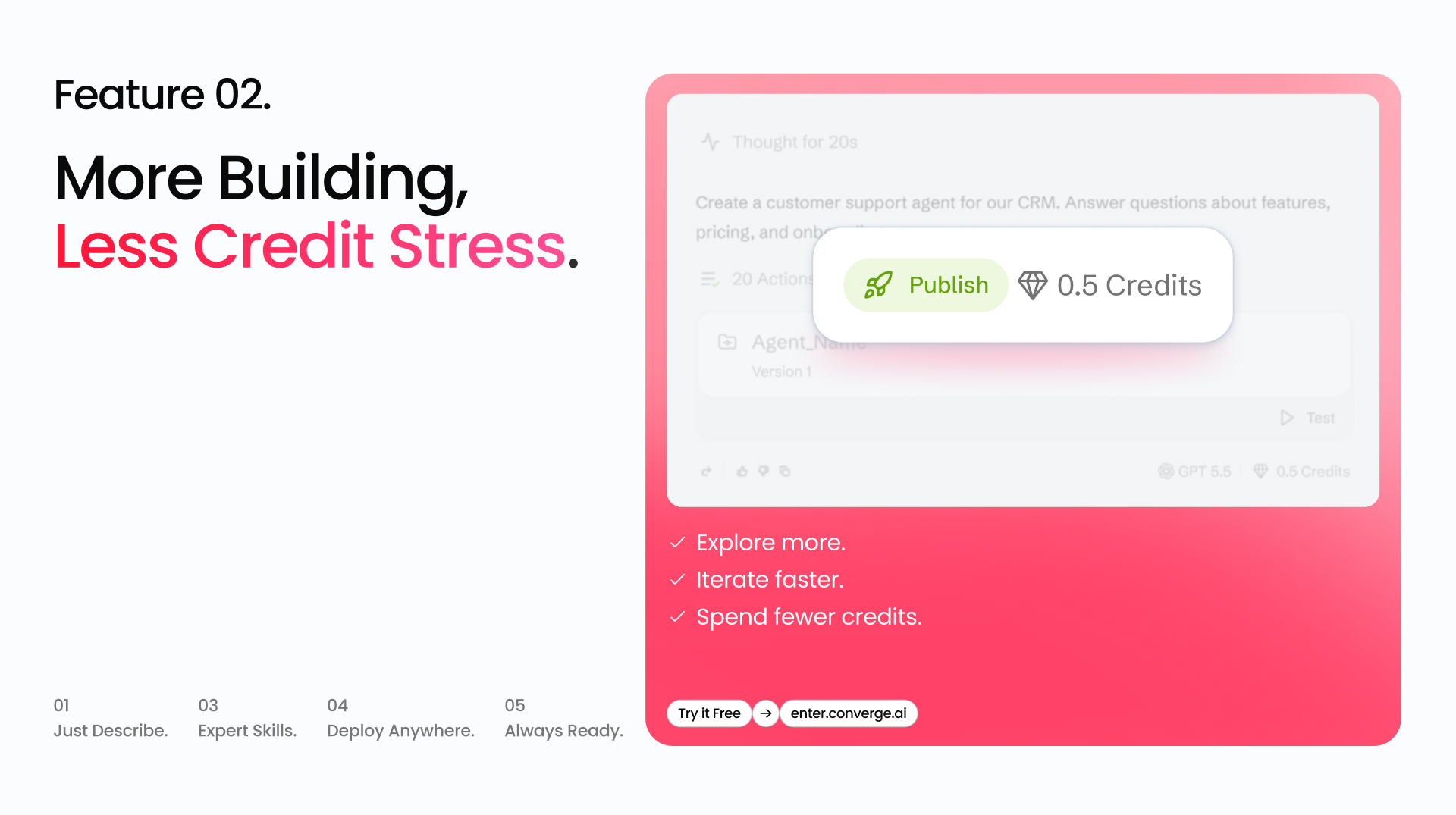
Building useful agents takes iteration.
You may need to test different instructions, adjust the agent’s tone, add more business context, or improve how it handles edge cases.
Agent Builder is designed to make that loop easier.
Instead of starting from a technical framework every time, you can describe, test, refine, and try again directly in the product.
The goal is to help teams experiment faster and move from idea to working agent with less setup friction.
Build Once. Deploy Everywhere.
Once an agent is ready, it should be able to meet users and teams where work already happens.
Agent Builder is designed to help one agent work across multiple product and business surfaces, including websites, product experiences, shared links, and team workflows.
- SDK: If you already have a live product or a project running locally, you can easily integrate custom agents into your existing code via skills, SDKs, or APIs.
- IM Bot: You can also bring agents into your workplace IM. Let them chat with you anytime to help solve problems or provide scheduled briefings.
- Conntect to Enter's Project: For products built with Enter, the connection is even more direct. A product created on Enter can be paired with agents inside the same platform, so the product experience and agent workflow can evolve together.
Create once. Reuse the agent wherever it can help.
Start with Skills, Knowledge, and Templates
A useful agent needs more than a prompt.
It needs to know the right context, follow the right behavior, and use the right capabilities for the job.
Agent Builder lets you give agents the business knowledge and skills they need to become useful in real workflows.
Knowledge helps the agent understand your product, users, documents, FAQs, guides, and internal processes.
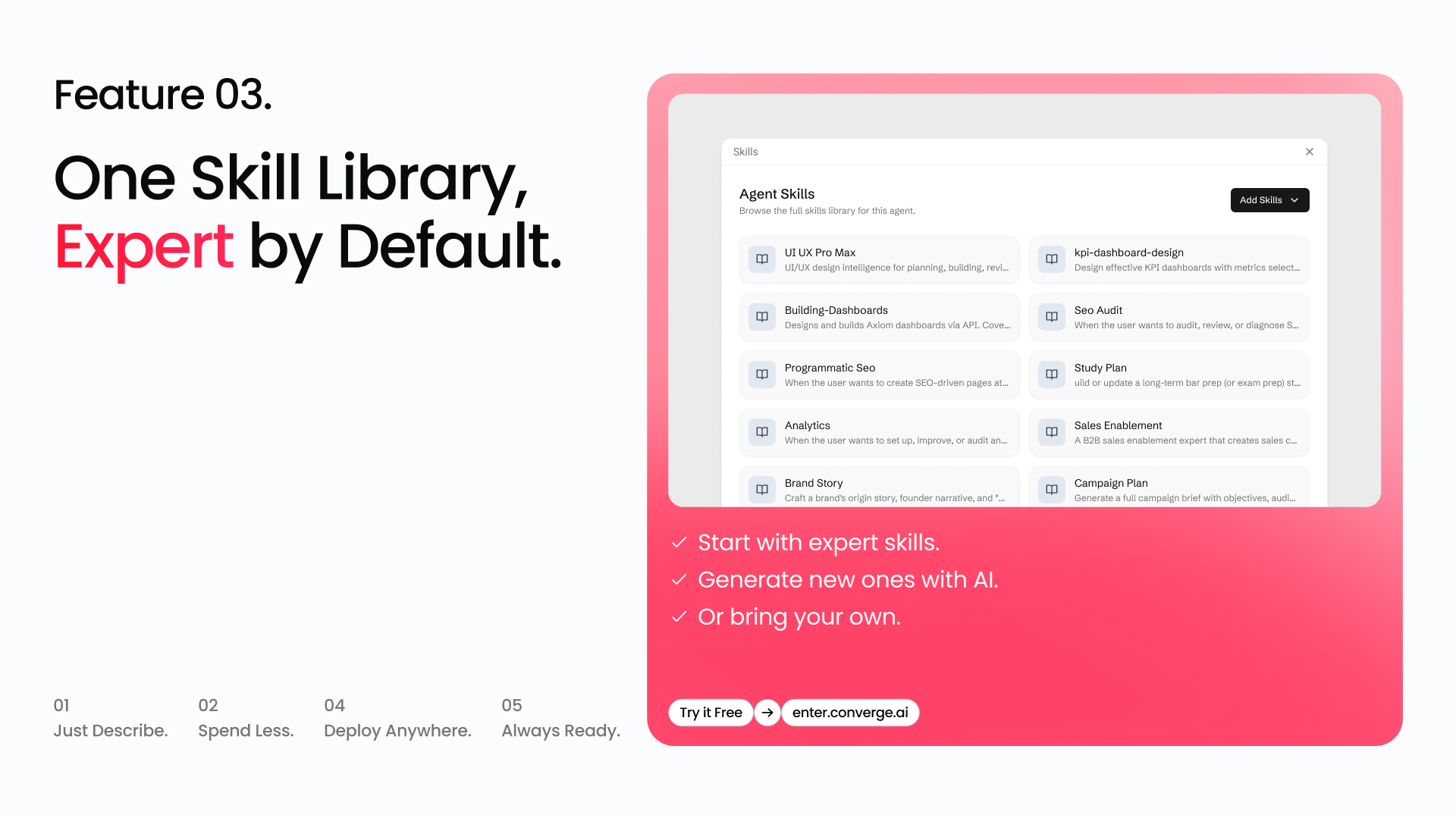
Skills help the agent perform specific tasks, follow repeatable workflows, and extend what it can do.
You can start from a preset expert agent, use existing skills, or bring your own workflow into the agent.
Skills define what an agent can do.
Knowledge defines what an agent should know.
Together, they turn a generic chatbot into an agent that understands the work.
Test, Refine, and Prepare for Real Workflows
Before publishing an agent, you can test how it behaves.
Ask the kinds of questions users might ask. Check whether it understands your business context. Try common edge cases. Review whether its tone and behavior match what you expect.
If it is not ready, refine the instructions, update its knowledge, adjust its skills, and test again.
Create. Test. Refine. Then go live.
This matters because agents are not static. As your product, users, and workflows change, your agents should be able to improve with them.
Built for Production Workflow
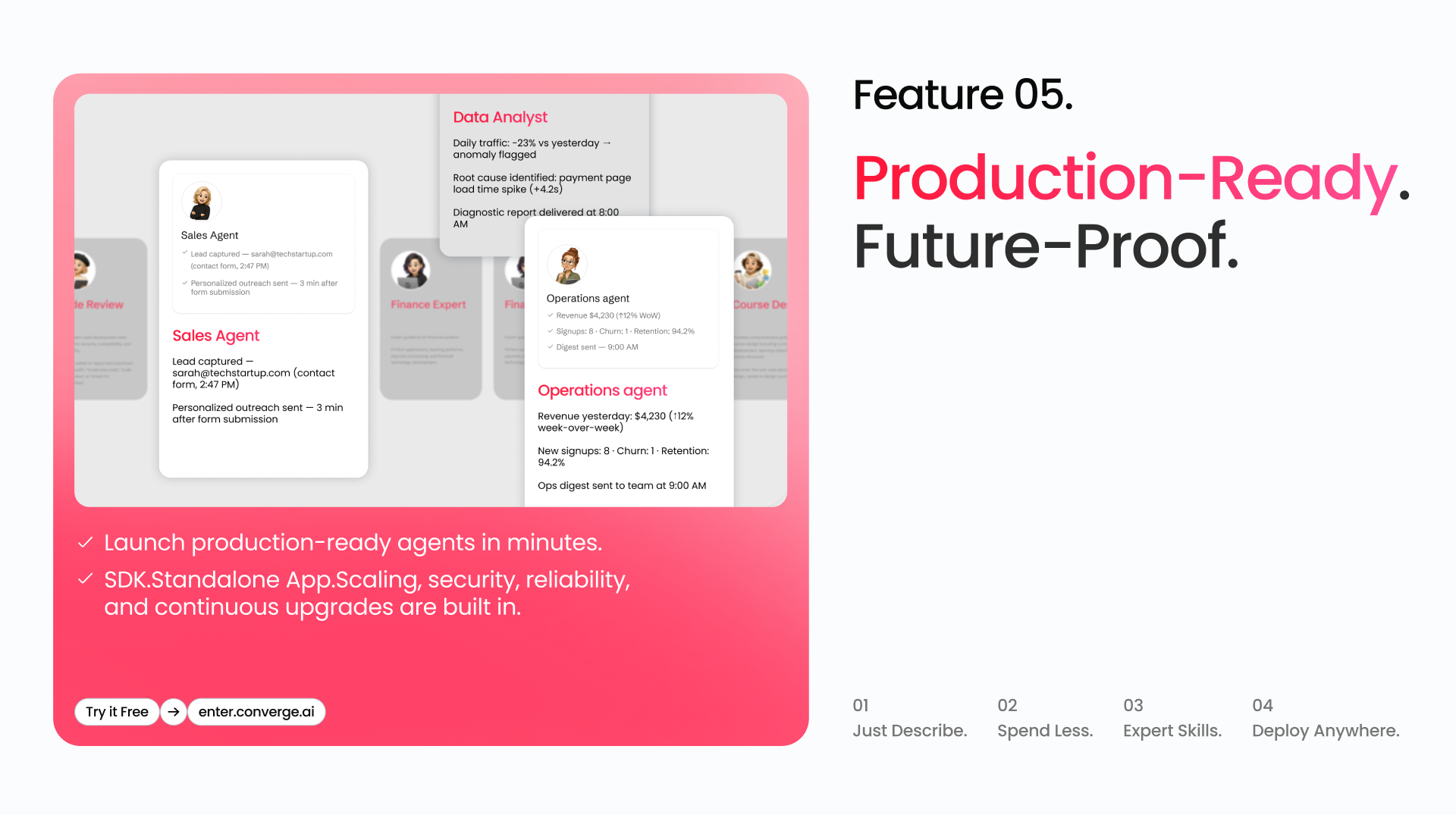
Agent Builder is designed for agents that support real work, not just demos.
Custom agents run on Enter’s agent runtime, the same foundation behind Enter’s agent capabilities.
That means teams can focus on what the agent should do, while Enter handles the infrastructure needed to run it.
As Enter’s agent technology improves, custom agents can benefit from the same underlying system.
The goal is simple: make agents easier to create, easier to improve, and easier to bring into real products and workflows.
What You Can Build
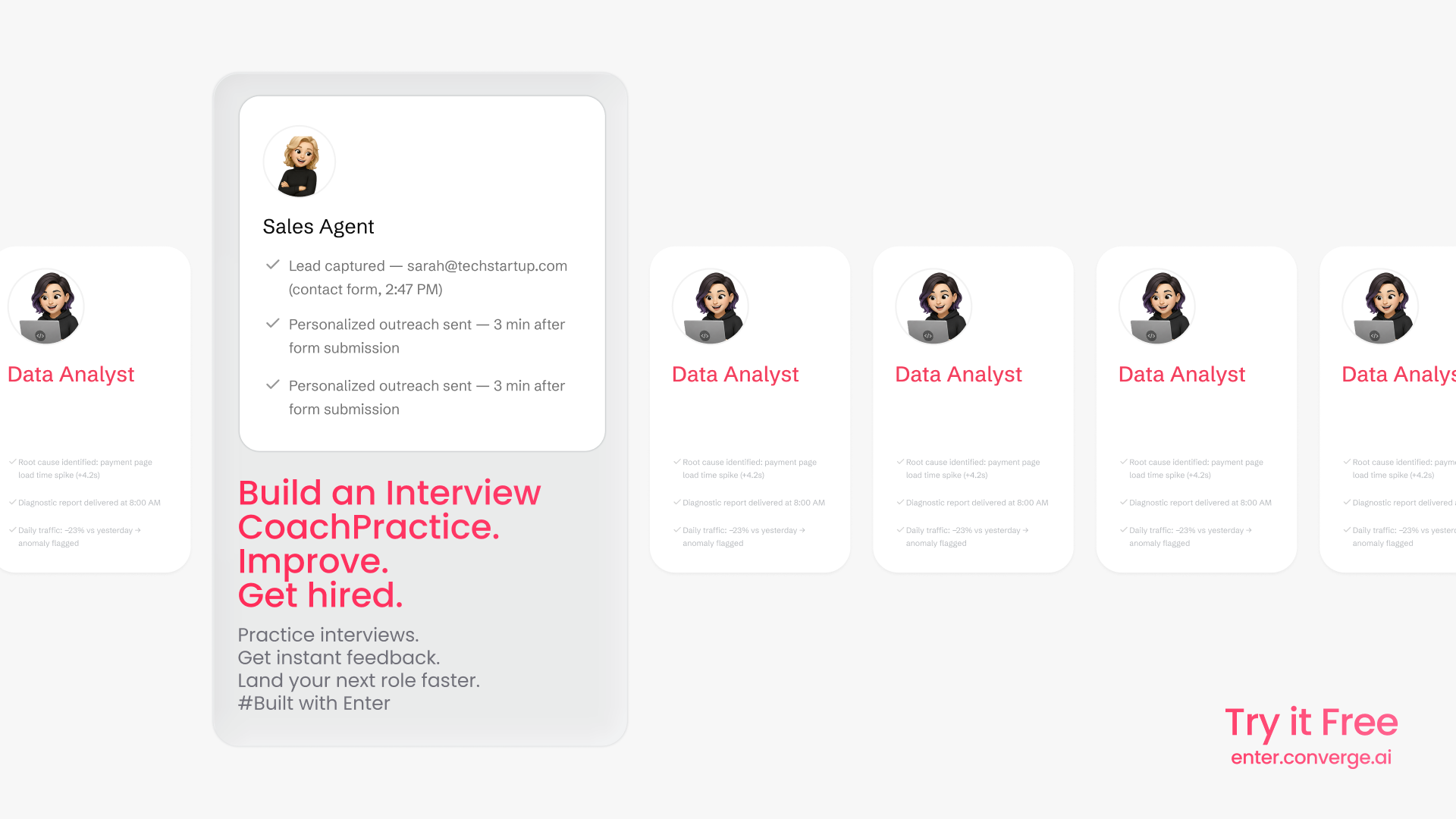
Agent Builder is designed for agents that support real work, not just demos.
- A sales agent can capture new leads, qualify them based on your criteria, and prepare personalized follow-up messages.
- A data insight agent can monitor product metrics, spot anomalies, and prepare structured reports for the team.
- A legal assistant can review documents, flag risky clauses, and help draft counter-proposals from approved templates.
- An operations agent can pull together business data, user activity, and workflow updates into a daily digest.
- A customer support agent can answer questions, guide users, and support customers from your website or product.
These are not separate products. They are roles you can create, configure, test, and deploy through Agent Builder.
#Example
Build an Interview Coach
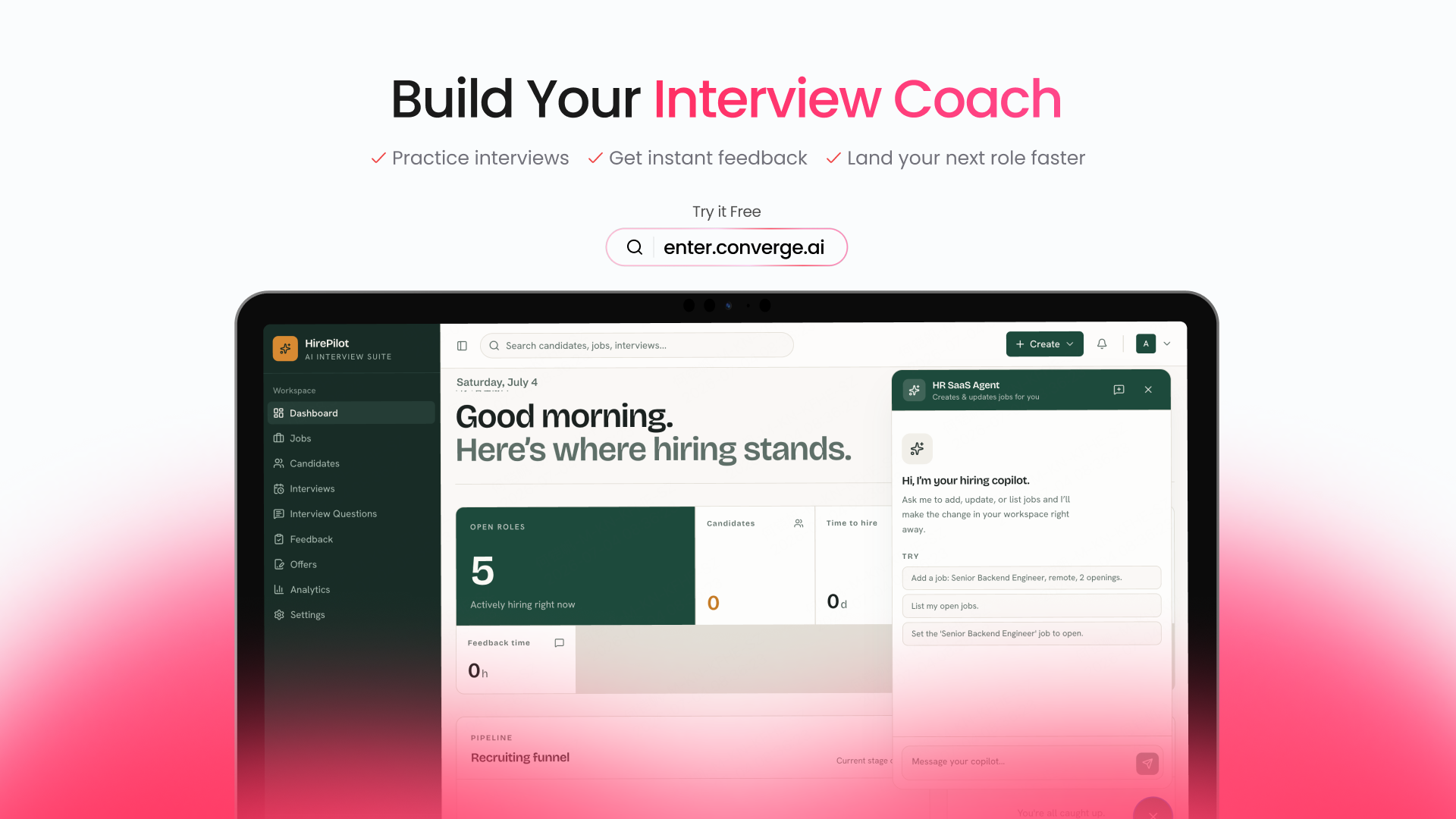
An interview coach agent can help users practice interviews, get feedback, and improve faster.
Instead of reading static advice, users can interact with an agent that asks questions, responds to their answers, and helps them prepare for the next role.
This is the kind of workflow Agent Builder is designed for: repeatable, context-driven, and useful when it becomes interactive.
Build an Operations Manager
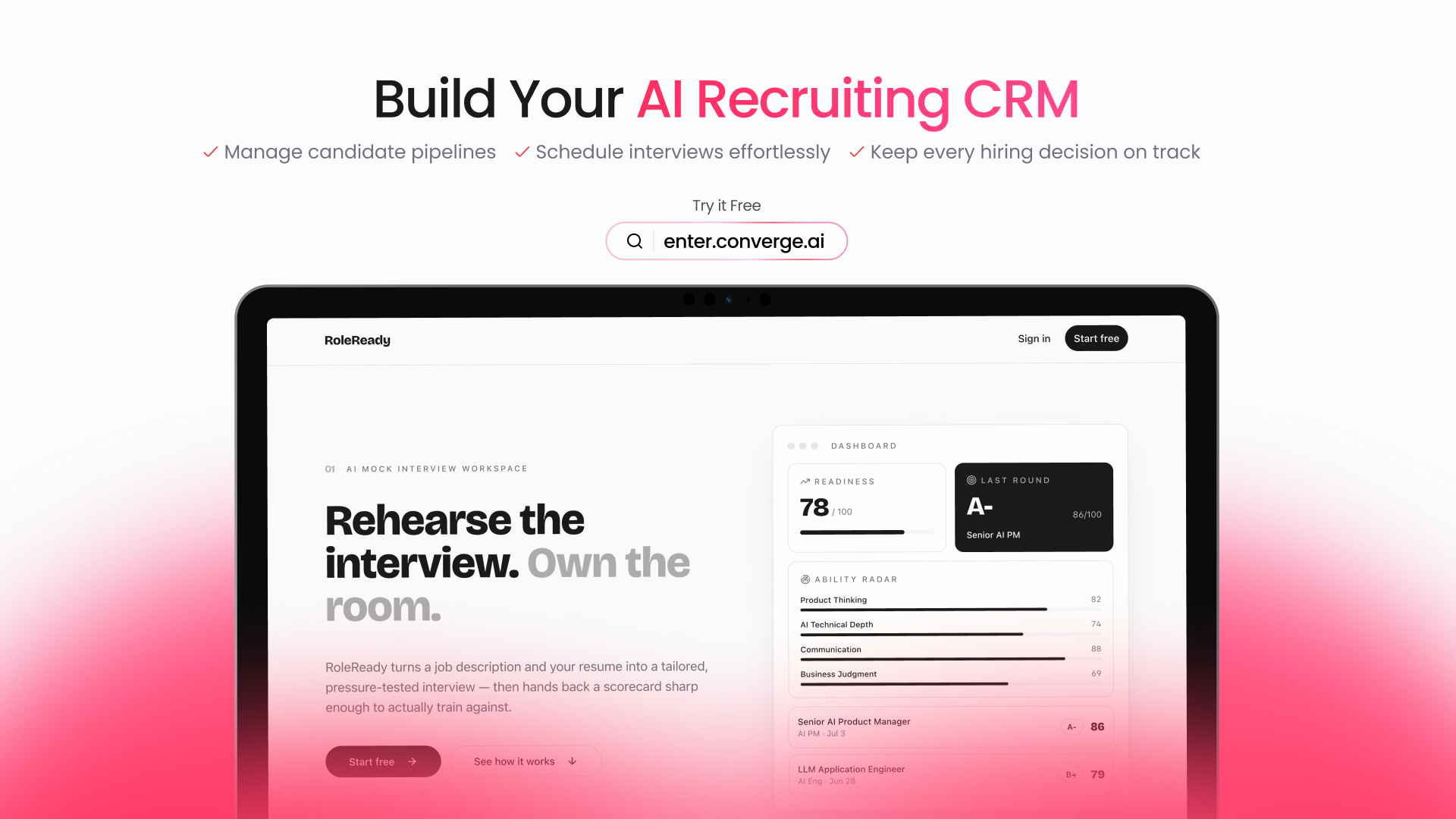
An operations agent can help teams monitor business performance, surface key insights, and prepare recurring reports.
Instead of checking dashboards manually, teams can use an agent to summarize what changed, what needs attention, and what should happen next.
It turns recurring operational work into an agent-assisted workflow.
Build a Legal Receptionist
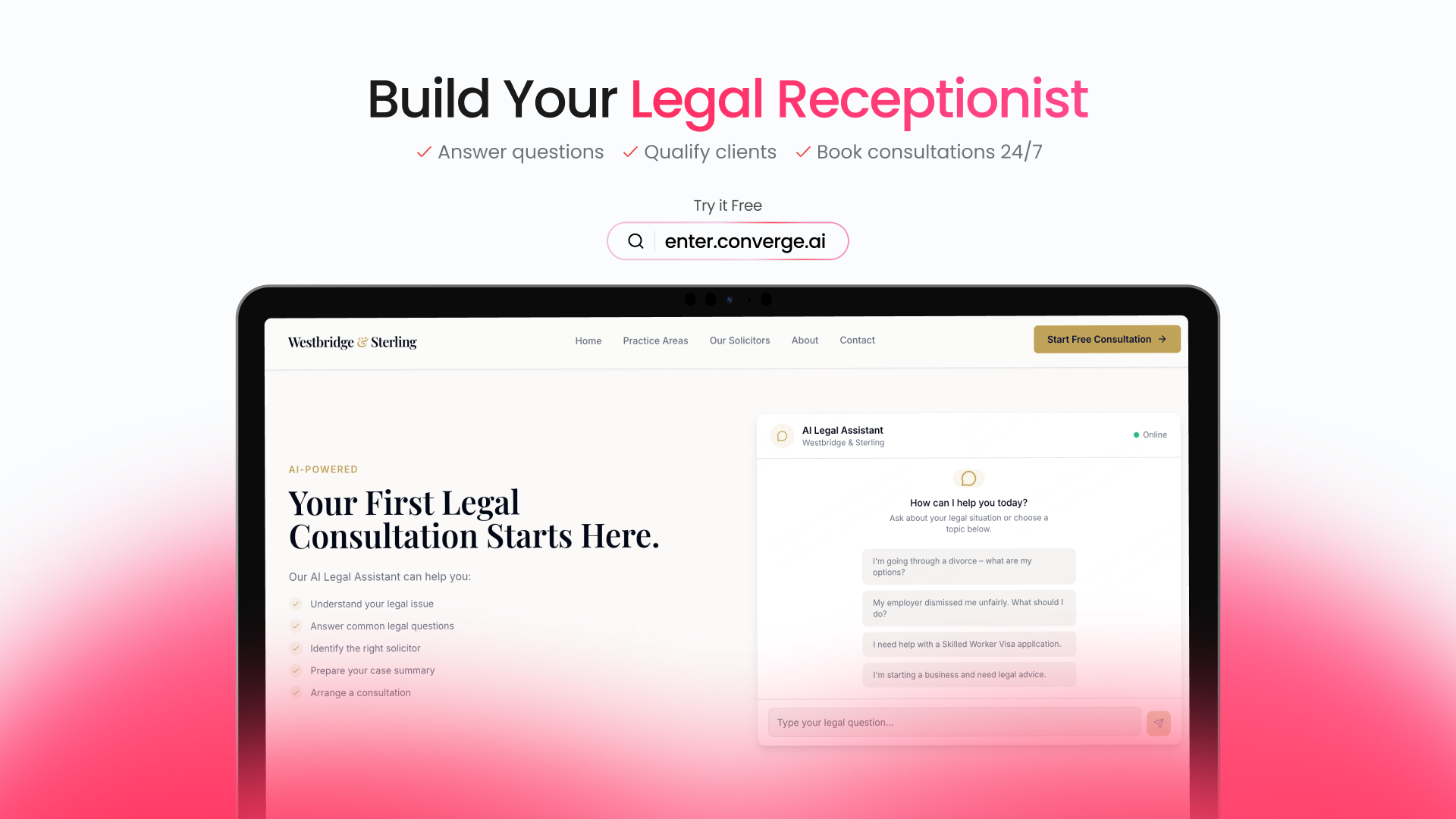
A legal receptionist agent can help answer common questions, qualify potential clients, and guide people toward the right next step.
It can support intake workflows, collect context, and help book consultations.
For service businesses, this kind of agent can make the first interaction faster, clearer, and easier to manage.
How to Get Started
Start with the agent role you need.
You can begin from a template or describe your own agent in natural language.
Then:
- Define what the agent should do
- Add the Knowledge it should understand
- Connect the Skills it needs
- Test how it responds
- Refine its behavior
- Publish it into your product or workflow
Agent Builder helps turn repeatable work into reusable AI agents.
AI-Native Business Starts Here
For builders, launching a product is only the beginning.
After that comes support, growth, sales, operations, analytics, compliance, and constant iteration.
Traditionally, every step required more tools, more teams, and more manual work.
Enter’s answer is a more complete system.
Coding Agent helps you create the product.
Infra Stack helps it run.
Agent Builder helps it operate with intelligence built in.
Build your product.
Then give it agents that can work.
Try Agent Builder: https://enter.converge.ai/agent-builder